Technology can help assisted living residents stay connected, manage daily routines, and feel more independent. The most useful devices are not always the newest ones; they are the tools that are easy to see, hear, charge, and use consistently.
For residents and families in Trappe, PA, technology may also help with seasonal communication, appointment reminders, emergency planning, and staying in touch during periods of snow, heat, or heavy rain. A practical setup should support daily life without creating confusion or unnecessary safety risks.
Which devices are most useful for assisted living residents?
The best technology is simple, reliable, and matched to the resident’s abilities. A basic smartphone, tablet, digital clock, or voice-controlled device may be more helpful than a complicated system with features that are rarely used.
Useful options may include:
- A phone with large text, clear sound, and an easy-to-find emergency contact
- A tablet for video calls, reading, photos, games, and health education
- A digital calendar for appointments, activities, and family visits
- A charging station kept in one consistent location
- A medical alert device approved for use in the resident’s living arrangement
- A simple television remote with large, clearly labeled buttons
- A hearing-compatible phone or amplified listening device, when appropriate
Before choosing a device, consider vision, hearing, hand strength, memory, balance, and comfort with touchscreens. A person who has difficulty with small buttons may do better with voice commands or a device with fewer controls.
How can seniors make phones and tablets easier to use?
Most phones and tablets can be adjusted to improve visibility and reduce frustration. These changes are usually found under settings for accessibility, display, sound, or notifications.
Helpful adjustments include:
- Enlarging text and icons
- Increasing screen contrast
- Turning on screen magnification
- Using a brighter or less reflective display
- Increasing the ring volume and vibration strength
- Activating captions for videos and calls
- Reducing unnecessary notifications
- Setting the screen to remain active longer
- Arranging the most-used apps on the first screen
A protective case with a non-slip surface can make a device easier to hold. A stylus may help someone who has difficulty tapping small areas accurately.
It is also useful to remove apps that are not needed. Fewer icons can make the screen easier to understand and lower the chance of accidentally opening advertisements, games, or unfamiliar links.
What technology can help with memory and daily routines?
Technology can support memory, but it should not replace personal care, supervision, or medical guidance. Reminders work best when they are specific, repeated, and connected to an established routine.
A digital reminder may be used for:
- Medication times, if the resident’s care plan permits personal reminders
- Meals and hydration
- Therapy or activity schedules
- Family calls
- Laundry or housekeeping days
- Charging hearing aids or other personal devices
- Bringing a coat, hat, or umbrella during changing weather
A large digital clock can help with orientation, especially when it displays the day and date as well as the time. A calendar with family photographs or familiar events may be more engaging than a standard scheduling app.
For medication management, residents should follow the procedures established by the assisted living community and their health care team. A phone alarm alone does not confirm that medication was taken correctly.
How can residents avoid online scams?
Older adults are frequent targets of phone, email, text, and social media scams. A message may claim that an account is locked, a payment is overdue, a package cannot be delivered, or a family member needs urgent financial help.
Common warning signs include:
- Pressure to act immediately
- Requests for passwords, payment information, or security codes
- Unexpected requests to send money or purchase gift cards
- Threats of arrest, account closure, or loss of benefits
- Messages containing unfamiliar links
- A caller who refuses to provide written information
- A request to allow remote access to a phone or computer
Residents should not share a verification code with someone who contacted them unexpectedly. If a message appears to come from a family member or organization, verify it using a known phone number or a separate conversation.
It is safer to open an official app or type a familiar web address independently than to use a link in an unexpected message. Suspicious messages can be deleted, and trusted family members or staff may help review them.
How should passwords and personal information be protected?
Each important account should have a different password. Long phrases are often easier to remember than short combinations of letters and numbers. A password manager may be useful if the resident or a trusted helper understands how it works.
Additional protections include:
- Turning on multifactor authentication
- Using a screen lock with a personal code
- Avoiding passwords written on the back of a phone
- Not sharing banking or health information through unverified messages
- Installing device updates when they are offered
- Using private networks instead of entering sensitive information on unfamiliar public Wi-Fi
A trusted helper may assist with technology, but access should be limited to what is actually needed. Families can create a written agreement about which accounts may be viewed and which changes require the resident’s permission.
Are voice assistants safe and useful?
Voice-controlled technology can help people who have limited vision, arthritis, or difficulty using touchscreens. It may be used to set timers, check the weather, make reminders, play music, or call a preapproved contact.
Residents should understand that voice assistants may misunderstand words or respond when they hear similar sounds. Devices should not be relied on for emergency response unless they are specifically designed and set up for that purpose.
Privacy settings should be reviewed carefully. A device with a microphone should be placed where conversations are comfortable and appropriate. Residents may choose to disable features that record or store voice interactions.
How can technology support connection with family?
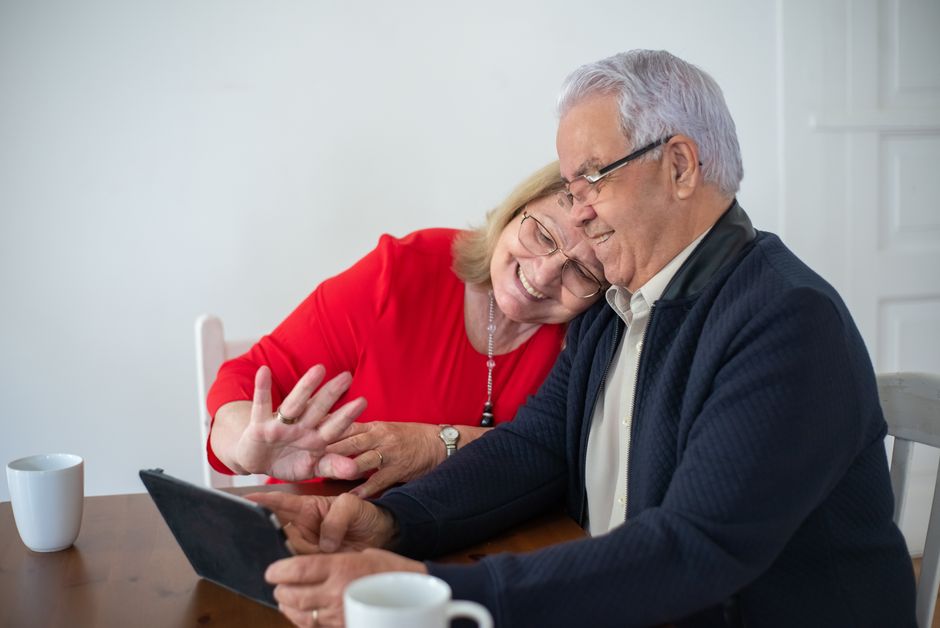
Video calls are often easier when they follow a predictable routine. A family member can help by setting up the call in advance, testing the camera, and keeping the conversation focused.
For better calls:
- Place the device on a stable stand rather than holding it by hand
- Position the camera near eye level
- Use a well-lit area without bright light directly behind the resident
- Reduce background noise
- Speak clearly and allow extra time for responses
- Use captions when hearing is difficult
- Keep the call length comfortable
Printed instructions with large text can help residents begin a call without assistance. Photos, recorded messages, shared calendars, and digital greeting cards may also provide connection between visits.
What should happen if technology stops working?
A backup plan is essential. Phones can lose power, internet connections can fail, and software updates can change how a device works. Residents should keep important phone numbers available in a printed format rather than relying only on stored contacts.
A basic backup plan may include:
- A charged phone
- A written list of family and emergency contacts
- A spare charging cable
- Instructions for restarting the device
- A way to receive important messages without internet access
- Knowledge of where to seek help within the assisted living community
During severe summer heat, winter weather, or power interruptions, residents should follow community emergency procedures instead of relying only on personal devices. Technology is a useful support, but it should fit into a broader safety plan that includes people, routines, and accessible communication.